Da Capo Paper
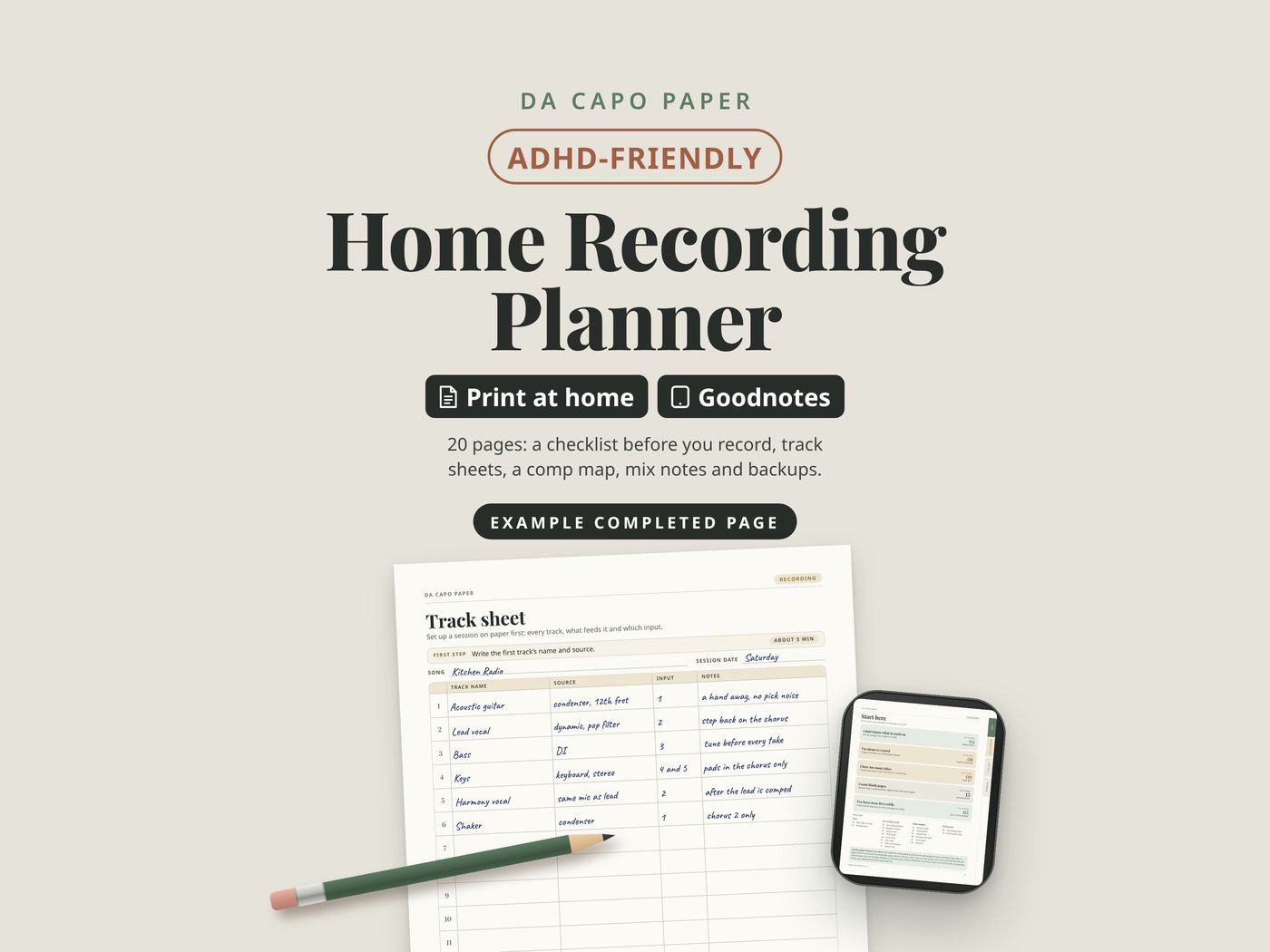
Home Recording Planner
20 pages: a checklist before you record, track sheets, a comp map, mix notes and backups.
- 20 pages, instant download on Etsy
- Print on US Letter or A4, in color or low-ink
- A Goodnotes edition with clickable tabs
- Five PDF files, nothing ships
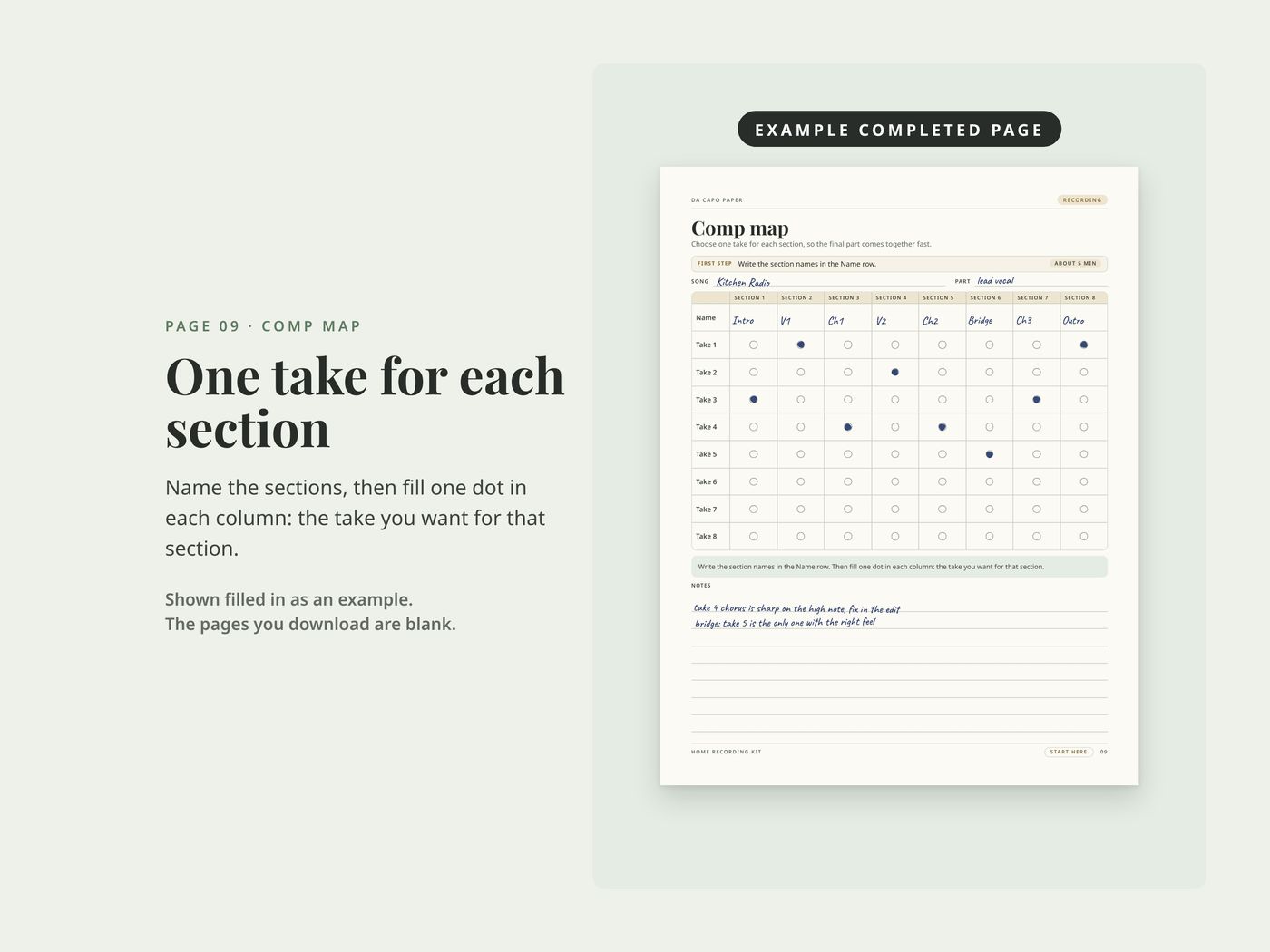
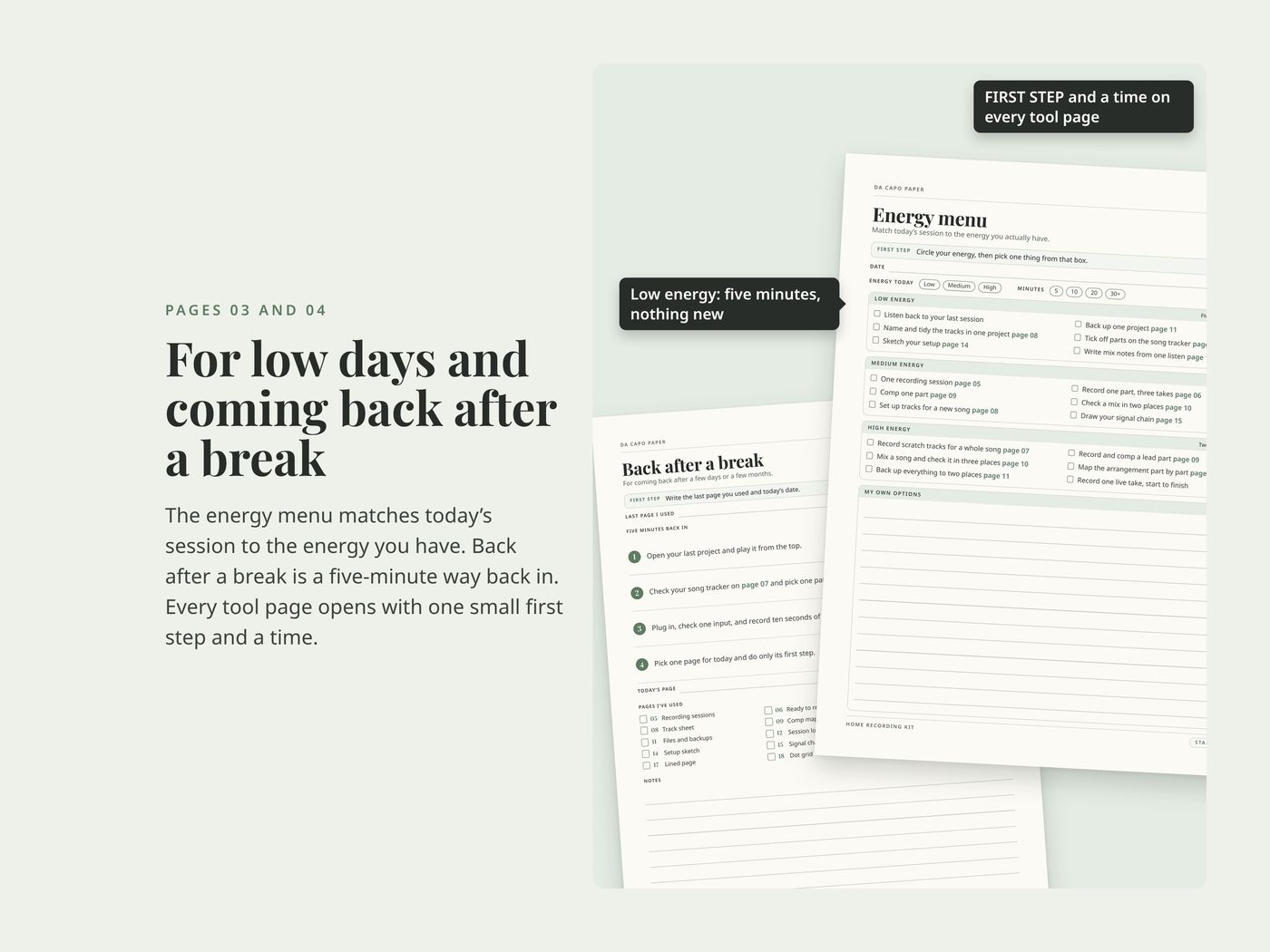
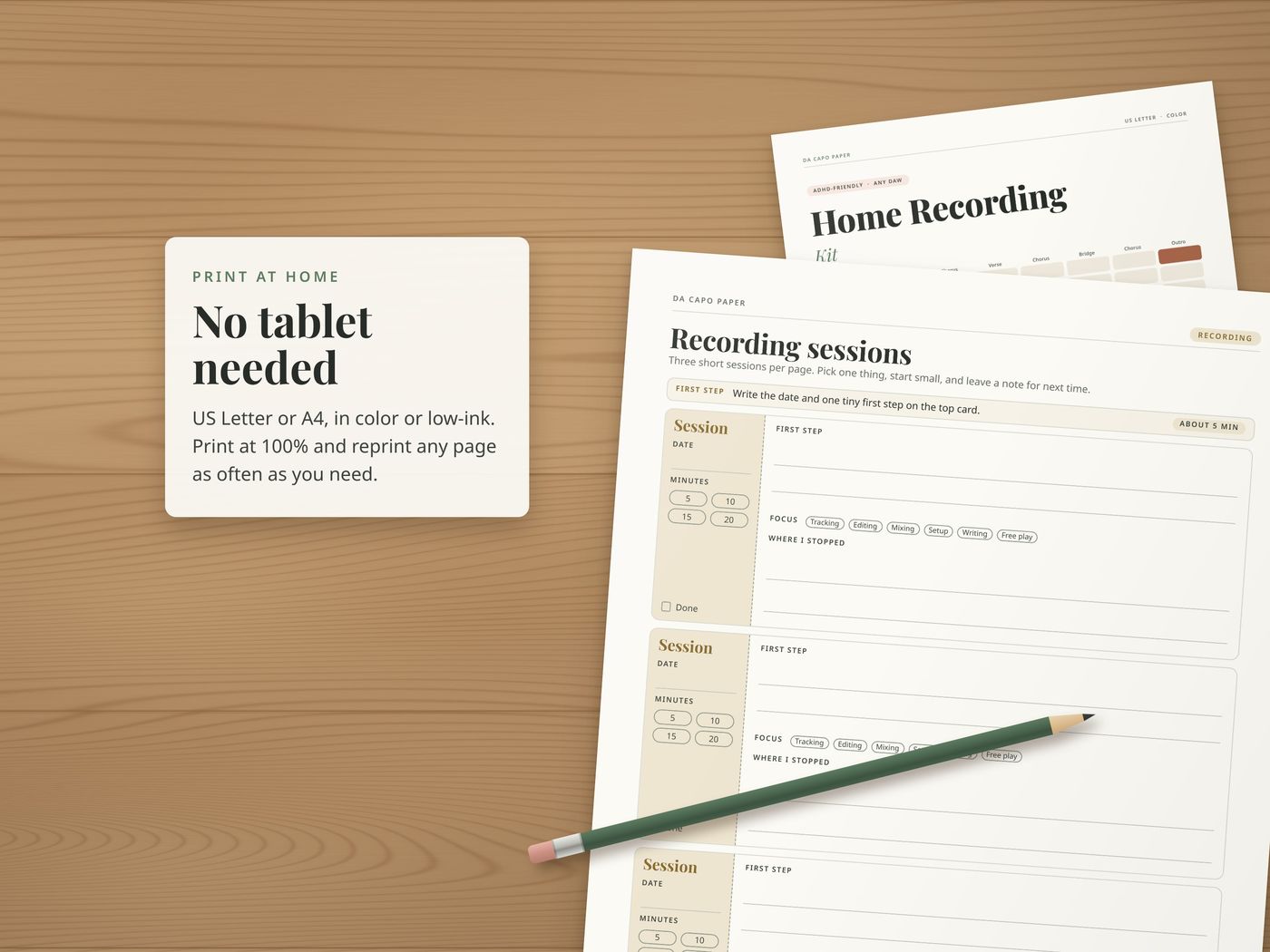
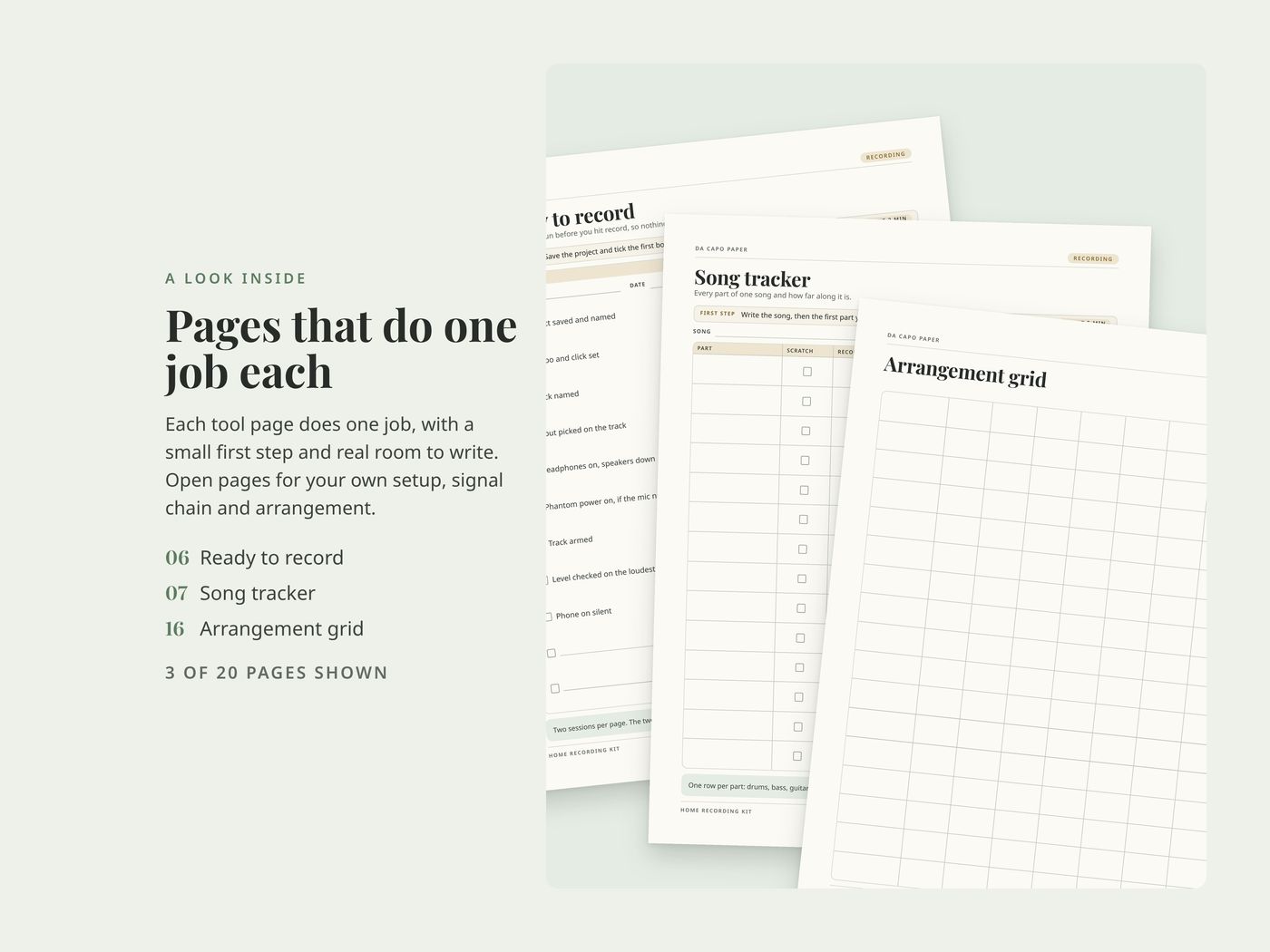
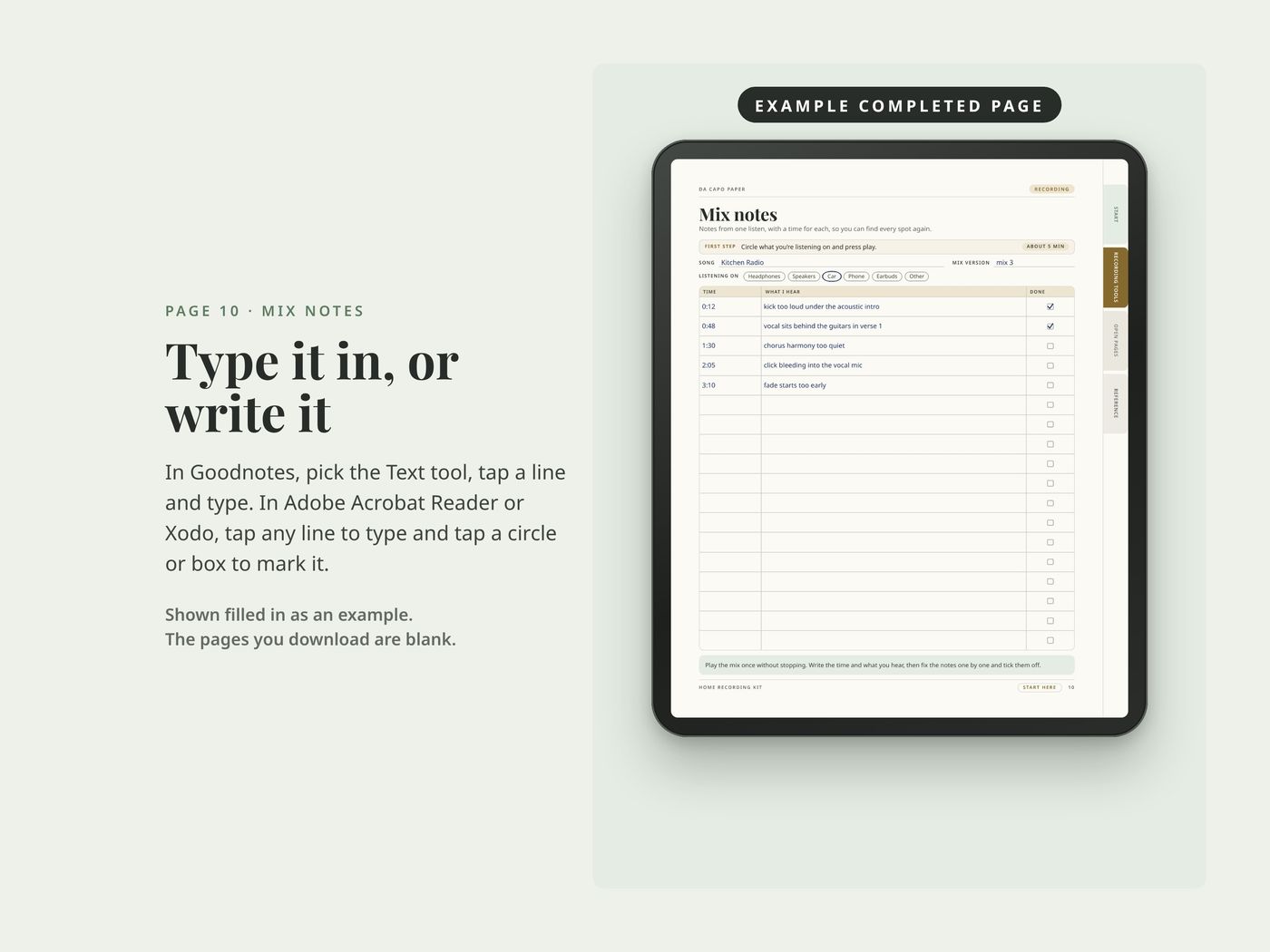
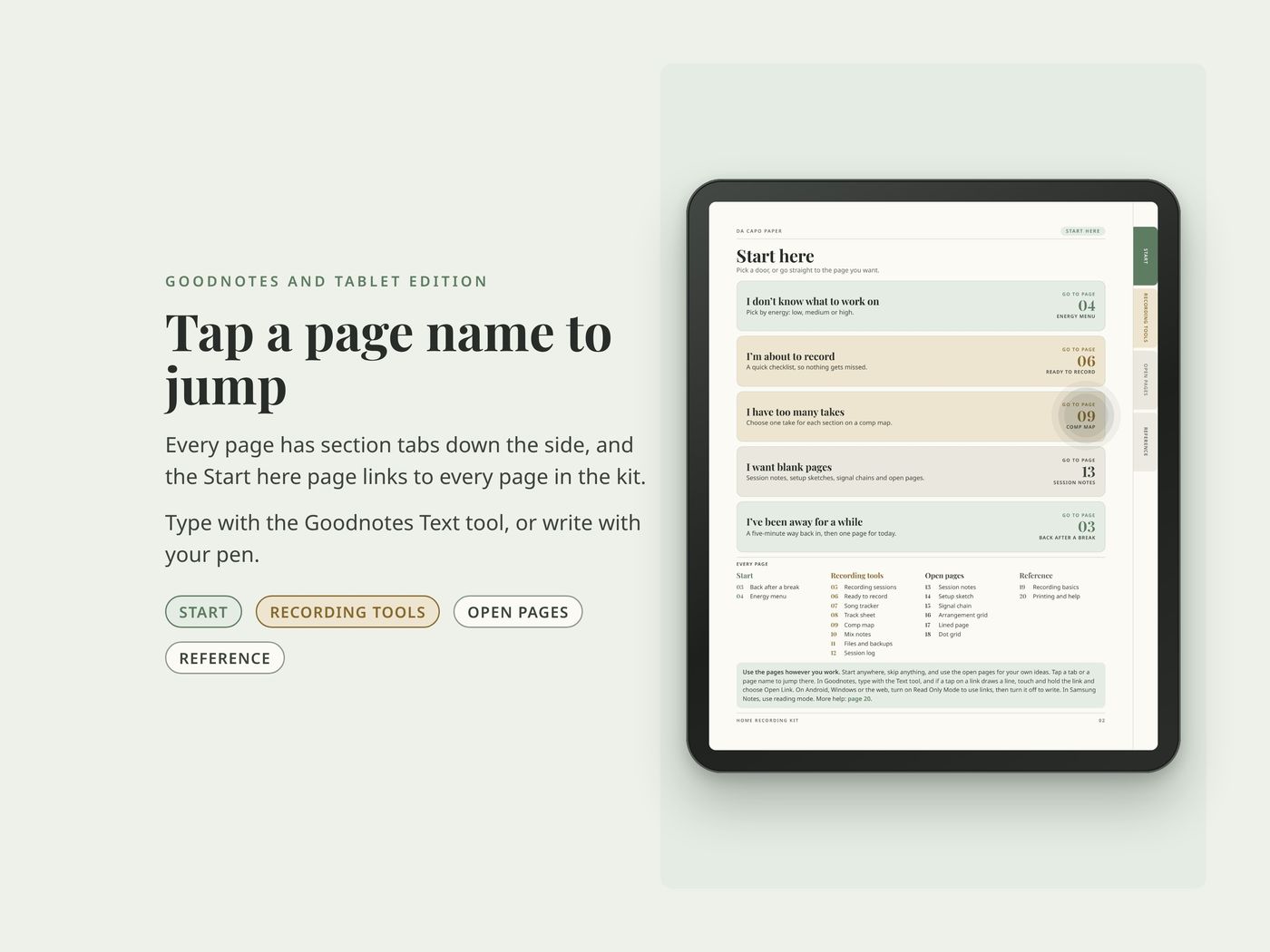
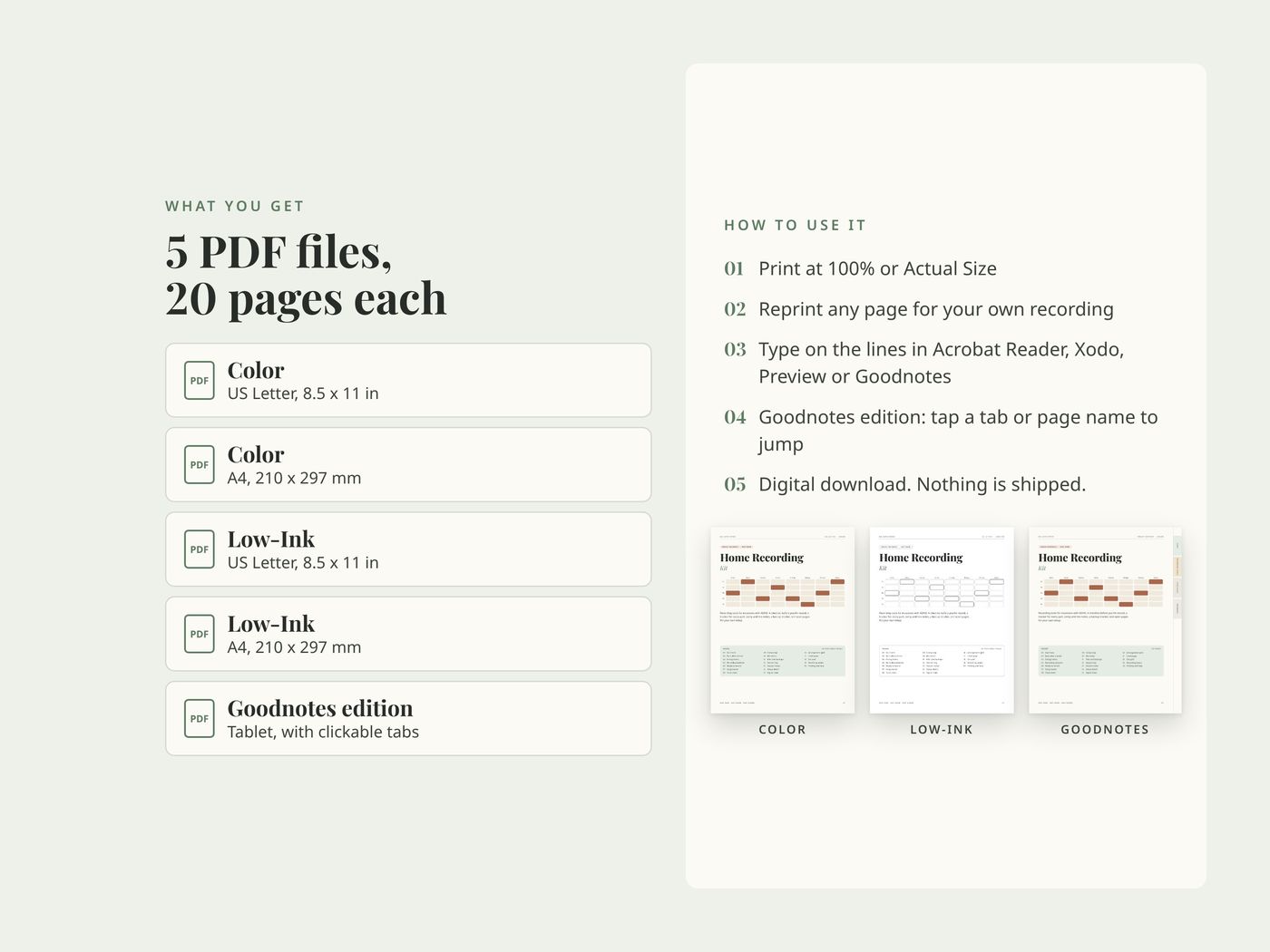
It's made for the parts of recording that stall. Maybe it's a session you never set up or takes you can't choose between. Maybe your mix notes keep disappearing. It has a checklist for before you hit record and a tracker for every part. There are comp and mix notes, a backup tracker and open pages for your own setup. Every tool page starts with one small first step and a time estimate. There's a page for getting back in after a break.
Use the pages however you work: start anywhere and skip anything.
What's inside
- 1Cover
- 2Start here five ways in, plus an index
Start
- 3Back after a break a five-minute way back in after time away
- 4Energy menu pick what to do by how much energy you have
Recording tools
- 5Recording sessions three short recording sessions per page
- 6Ready to record a checklist to run before you hit record
- 7Song tracker every part of one song and how far along it is
- 8Track sheet every track, what feeds it and which input
- 9Comp map choose one take for each section
- 10Mix notes notes from one listen, with a time for each
- 11Files and backups which projects are backed up, where and when
- 12Session log a line per session
Open pages
- 13Session notes
- 14Setup sketch
- 15Signal chain
- 16Arrangement grid
- 17Lined page
- 18Dot grid
Reference
- 19Recording basics levels, headphones, phantom power, the room, file settings and naming
- 20Printing and help
Works for
Any DAW, any gear, any genre. It's for solo artists, bands and songwriters recording at home.
The filled-in pages in the photos are examples. The pages you download are blank. For personal use.
Questions
How do I download my files?
On Etsy.com in a web browser (computer, phone or tablet), go to You > Purchases and click Download Files. The Etsy app can't download files.
Which file should I print?
US Letter for the US and Canada, A4 for most other countries. Print at 100% or Actual Size, with Fit to Page turned off. Use the Low-Ink version to save ink.
Can I use it on a tablet?
Yes. Import the PDF into Goodnotes, Notability, Xodo, or any app that lets you write on PDFs. Every kit includes a Goodnotes edition with clickable tabs made for tablets.
Can I get a refund?
Digital downloads can't be returned once the files are delivered. If a file won't open or prints wrong, message me and I'll fix it.
Can I share or sell the files?
Personal use only. Reprint pages as often as you want for your own practice, but please don't share, resell, or post the files.
The links don't work in Goodnotes.
Open the Goodnotes edition (its file name ends in Digital-Goodnotes). Tap a tab or page name with your finger. If a tap draws a line, touch and hold the link and choose Open Link, or switch to Read Only. On Android, Windows and the web, switch to Read Only first. Still stuck? Message me on Etsy.
More from Da Capo Paper
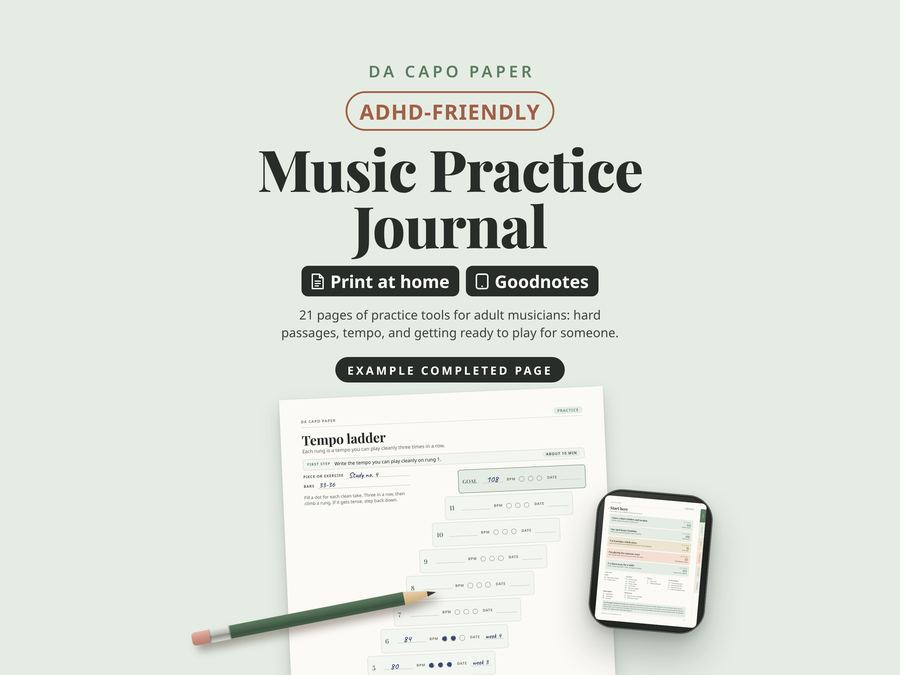
Music Practice Journal
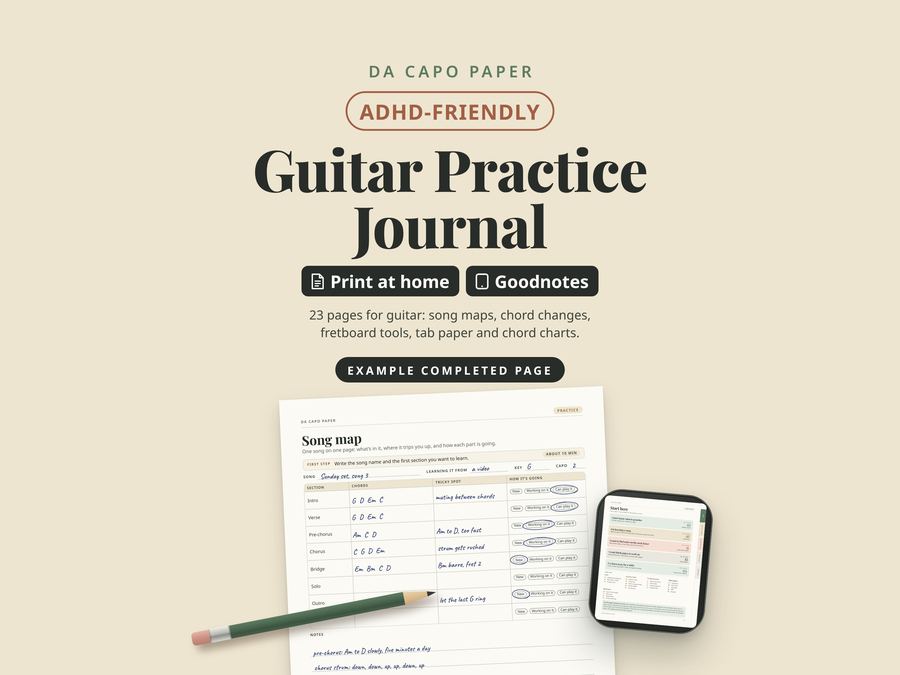
Guitar Practice Journal
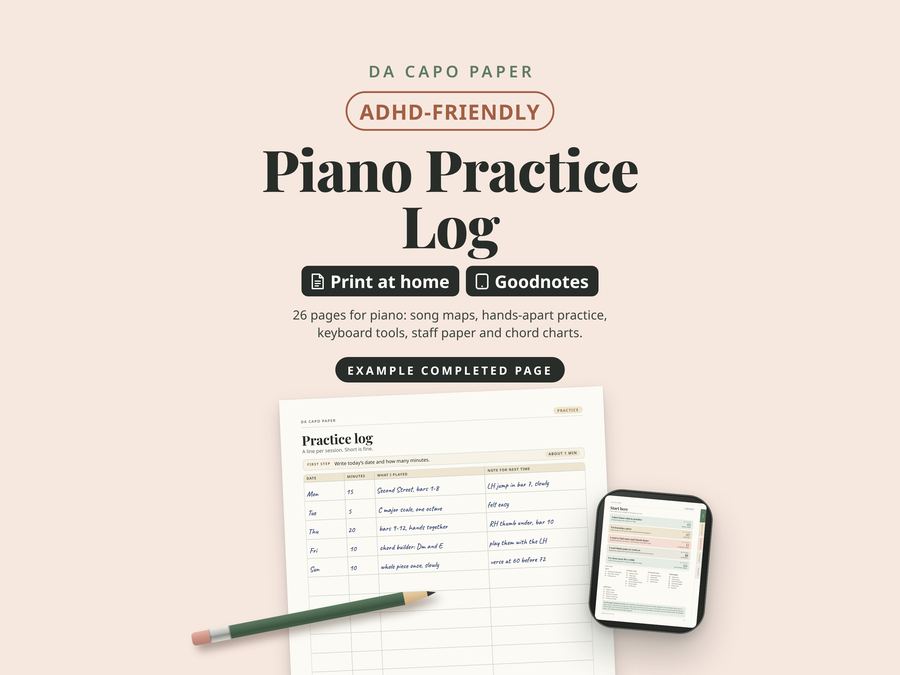
Piano Practice Log